
Projectors - How to Connect to the Projector in the Atrium.
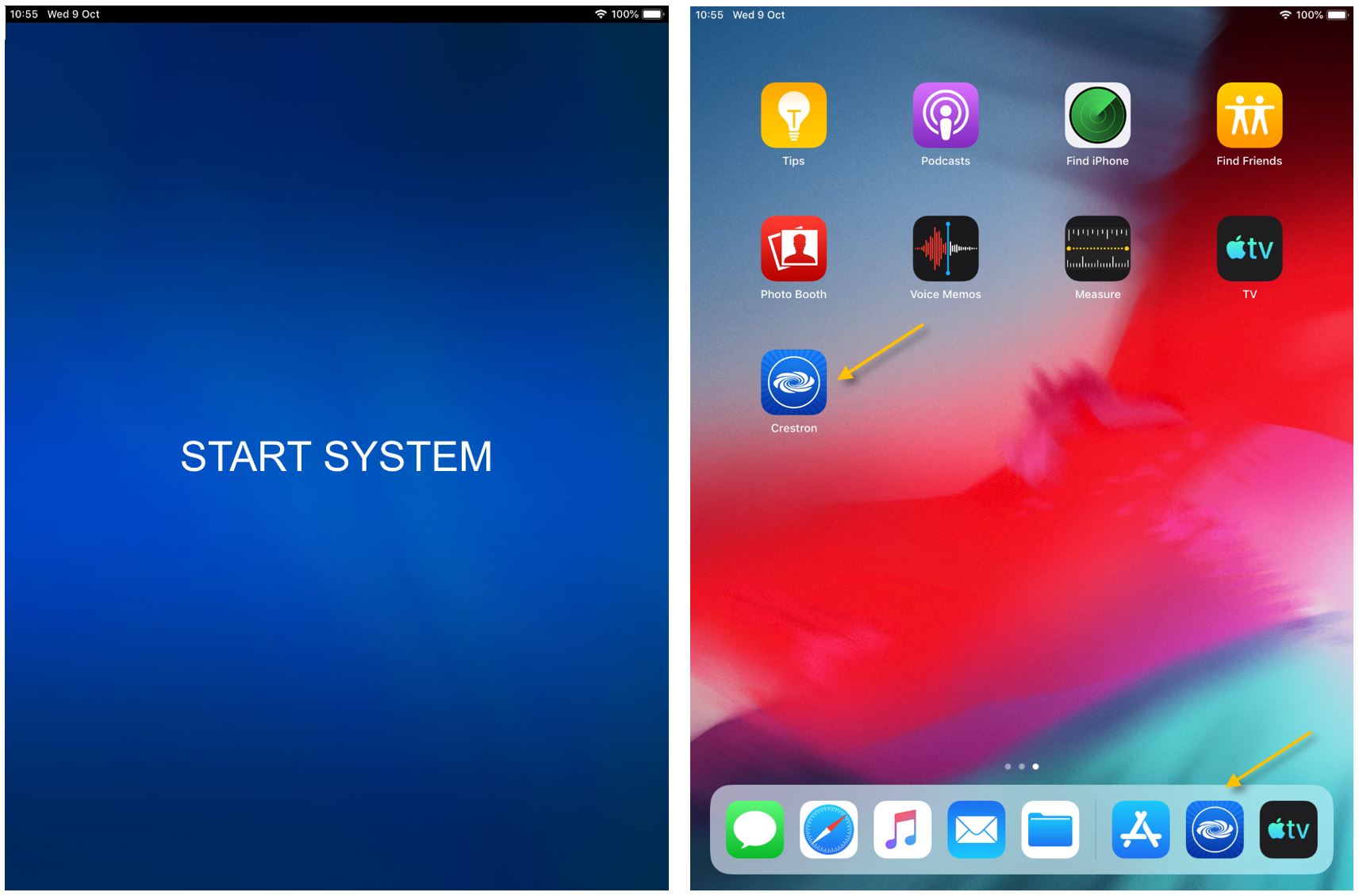
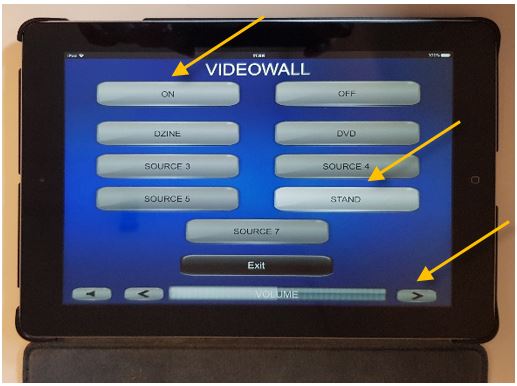
| Open the cabinet and take the tablet out. (Please ask the HS’ General Office or the IT department the Combination). | Start the system by clicking anywhere on the Start System page, or, if the Crestron app is not active, find it on the last app page and open it. | |
 |
 |
|
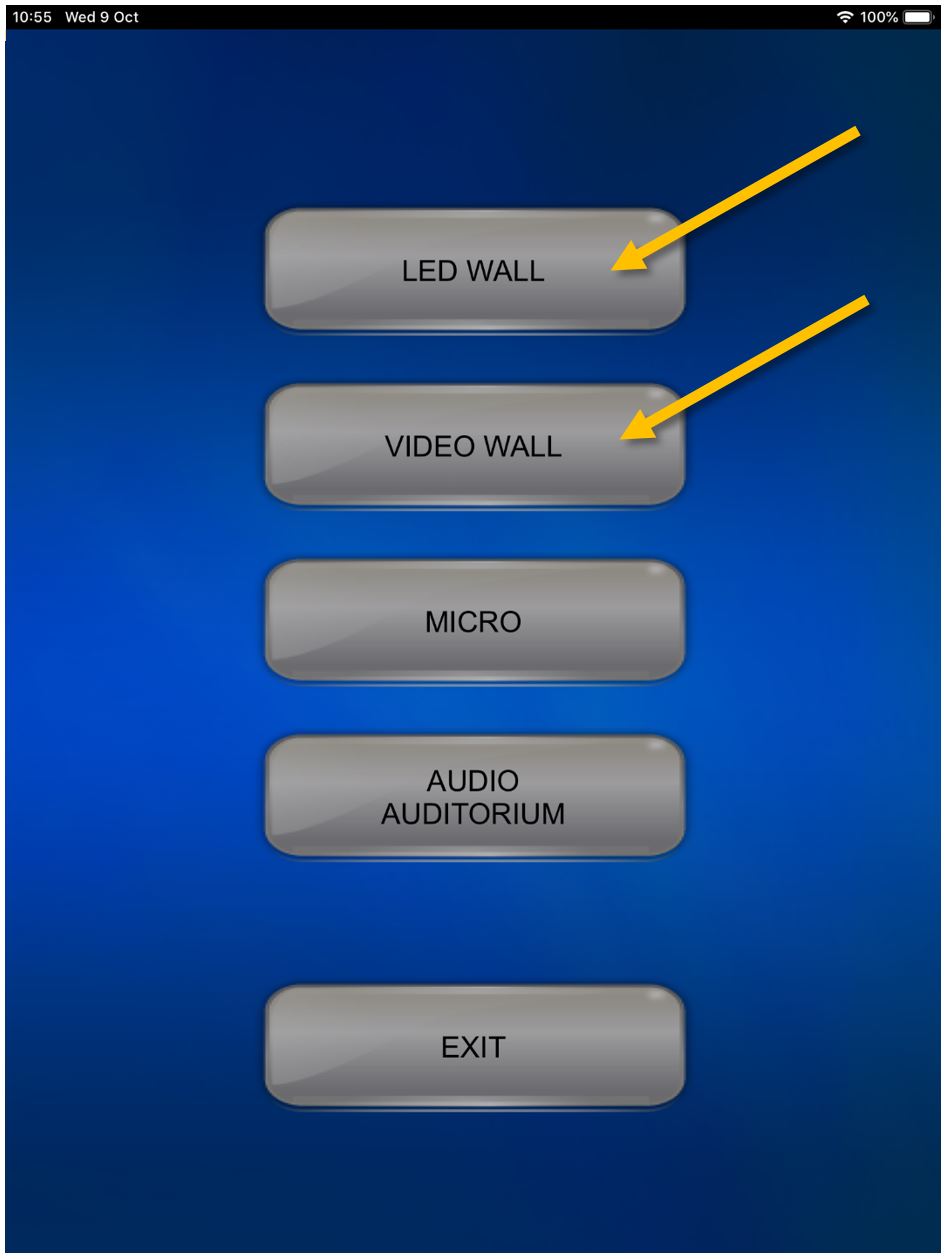
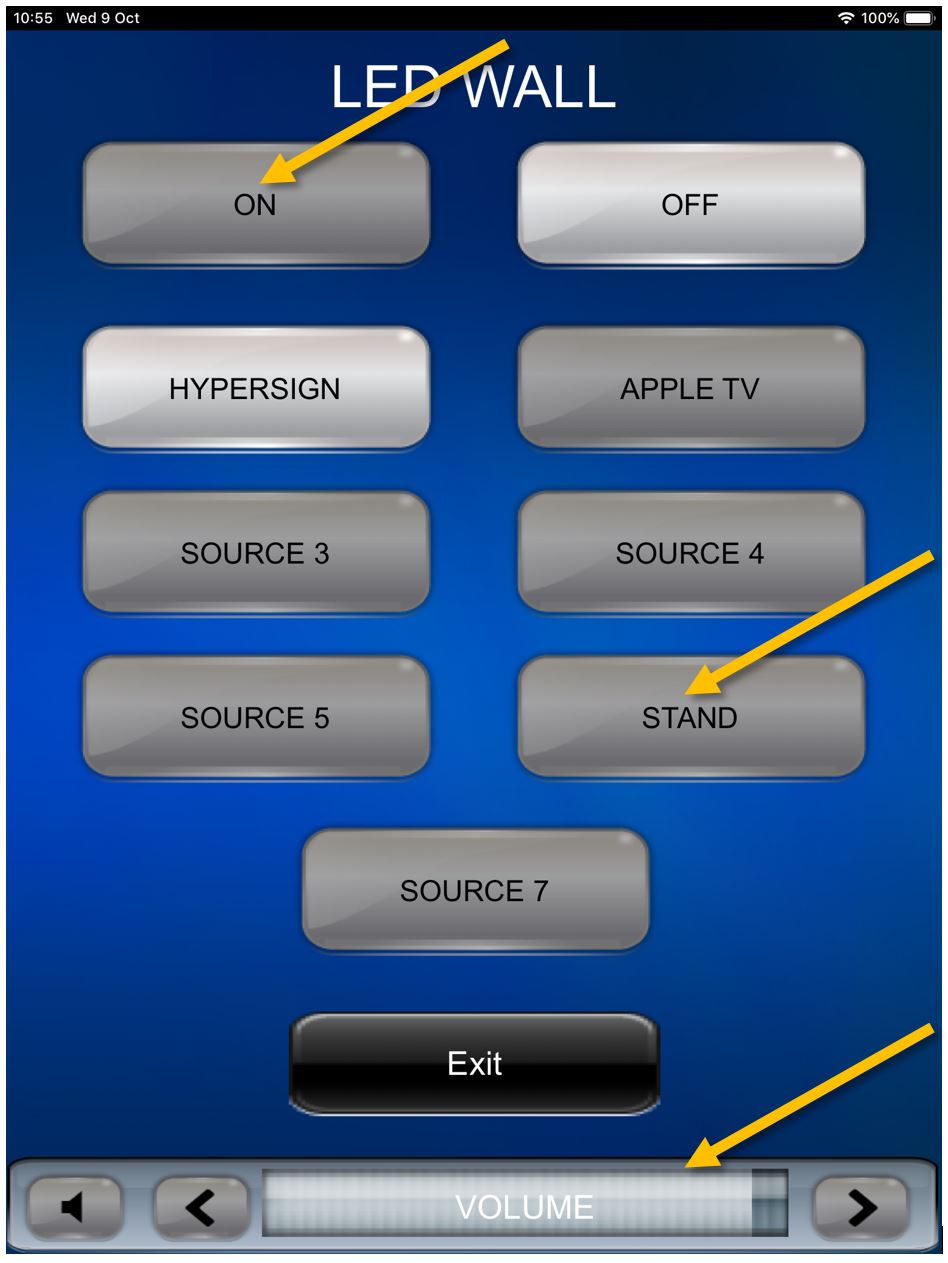
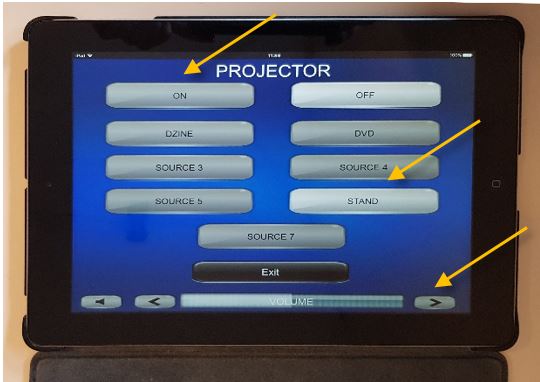
| Press |
When using the provided cables and adapters (recommended) please make sure that |
|
 |
 |
|
|
The LED screens can be used simultaneously if needed. To go back to the previous menu click on Exit and select the other screen. Turn it |
||
 | ||
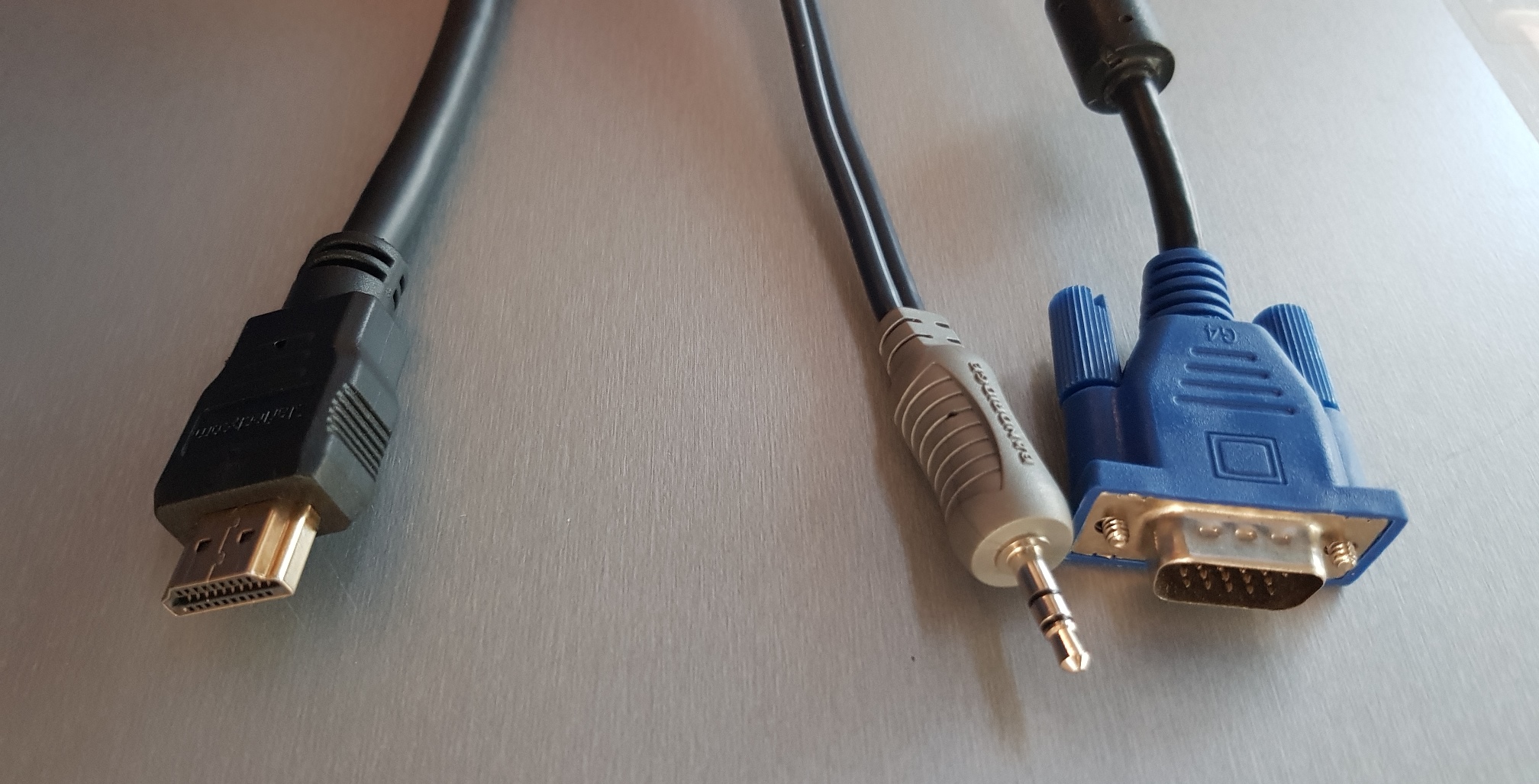
Connect the VGA/audio combo or the HDMI cable that you can usually find insideon top of the cabinet to your device and you should be ready to go. Please keep in mind that the VGA cable does not carry sound, if you need sound while using the VGA cable please connect the audio cable to your headphone port.
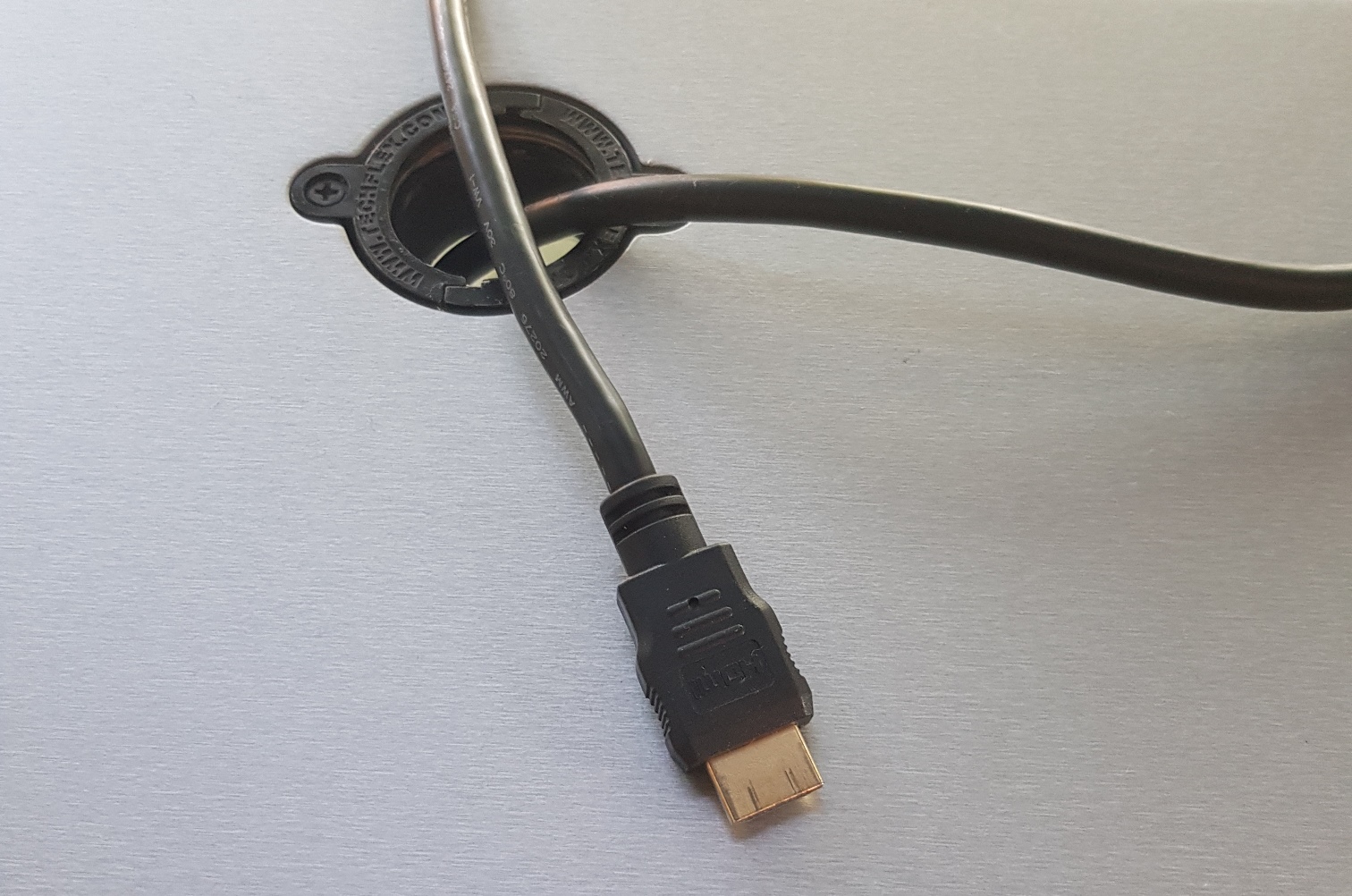
If your device does not have an HDMI or VGA port please use one of the adaptersadapter that you can find in the plastic box inside the cabinet. You can use adapter 1cabinet to transform the HDMI cable into an USB-C one (for newer Macs, Windows based laptops, Android phones etc.).
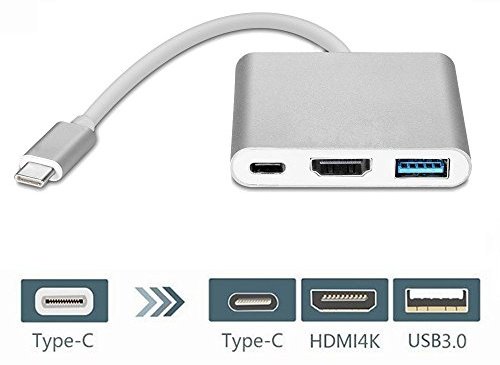
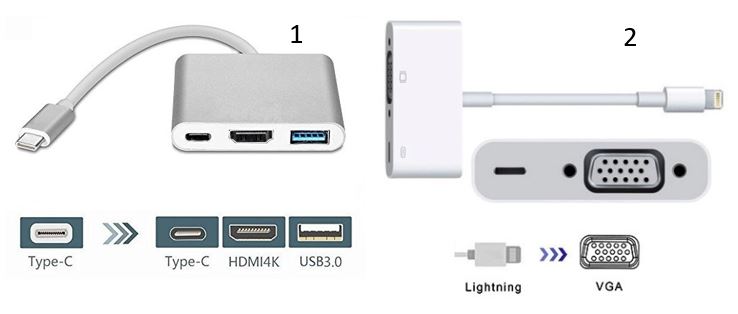
If you need a different type of adapter, please tell the IT department in advance what you need or the exact model of your device and the team will find a solution for you. ithelpdesk@isb.be