
eID - Install the Belgium eID app to access government related pages
(For AG please follow this link.)
Open the Self-Service Software Portal and install the Belgium eID app.
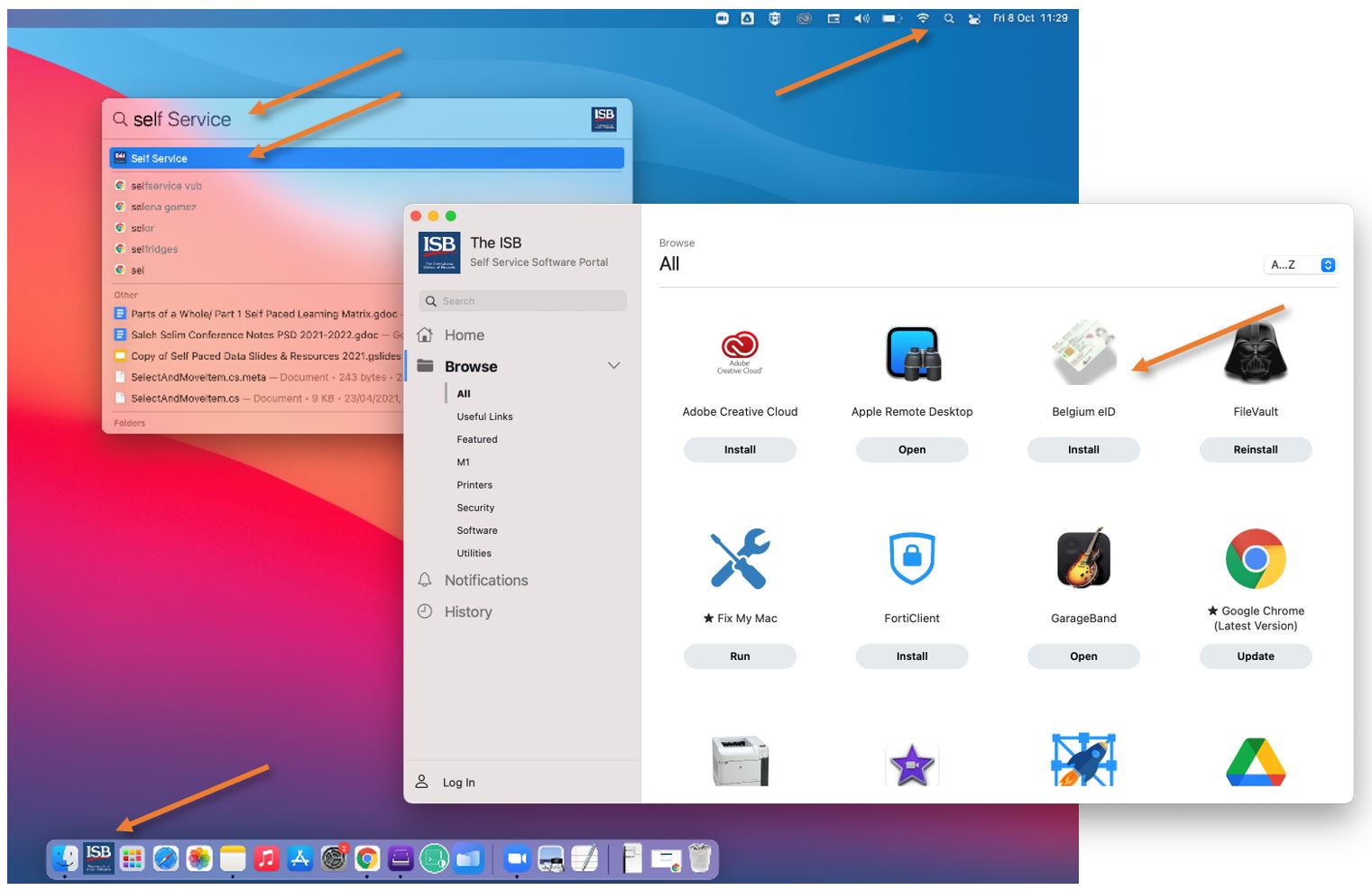
Once installed you will have 2 pop-ups:
|
|
|
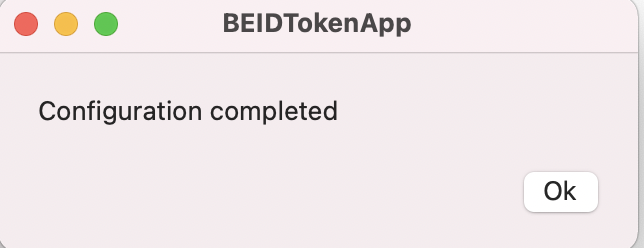
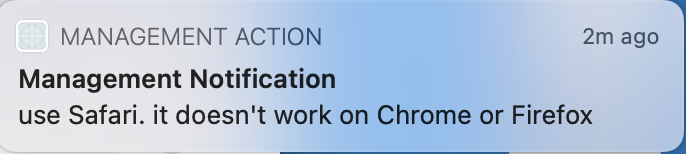
For AG please jump to the last paragraph.
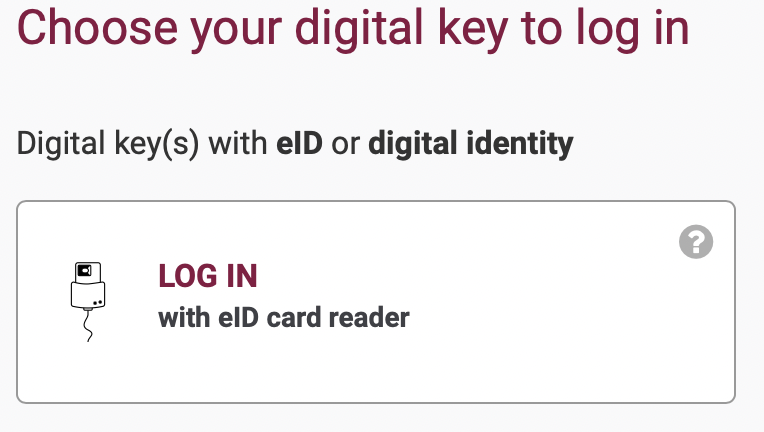
For the guverment related pages (ex. My Minfin, Ma Sante, etc.) please use Safary and find the log-in page for your needs.
 |
|
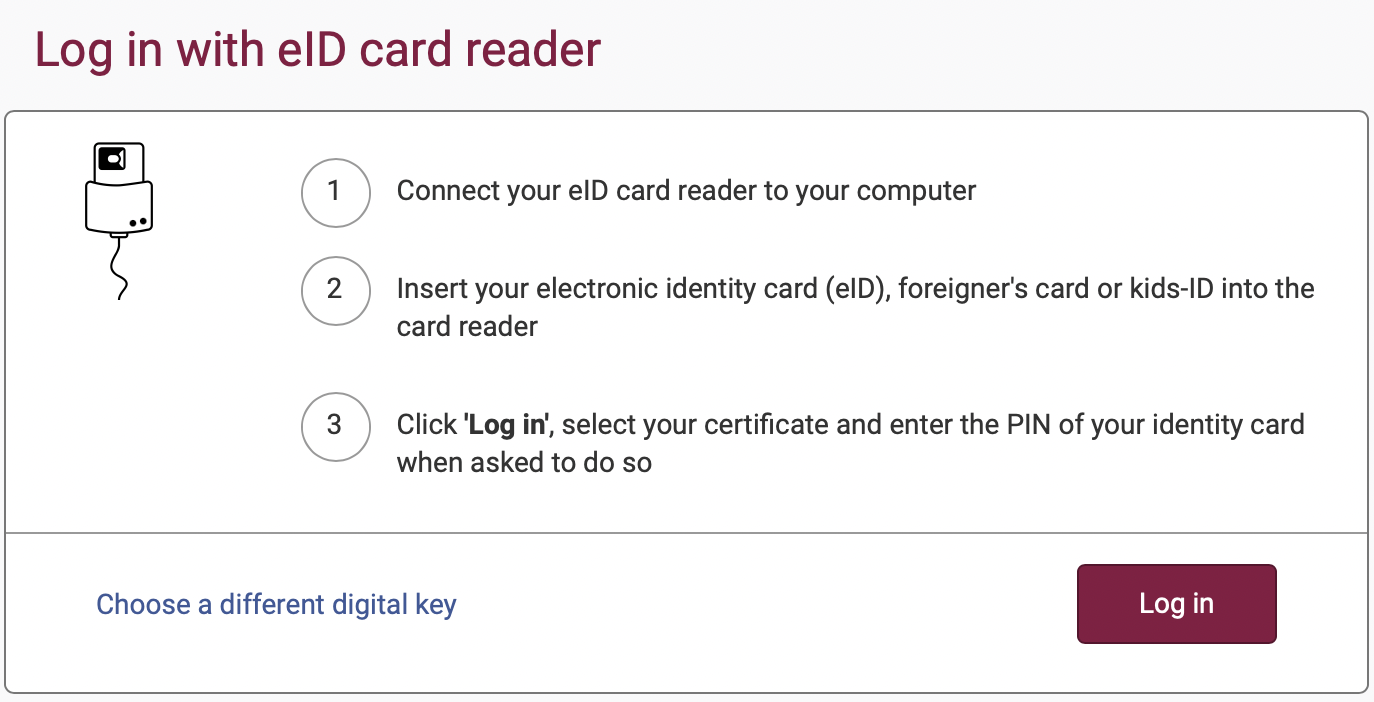
Insert your card in the card reader, log-in, select the certificate with your name in the next pop-up, click continue, and insert you ID Card pin code.
AG only works on Chrome for now, and it requires installing an add-on. We are working on a more streamlined solution. Go to the AG login page, follow the instructions presented, and install the package that it downloads. Select "Only for me" and Continue. Insert your card in the card reader and your pin.