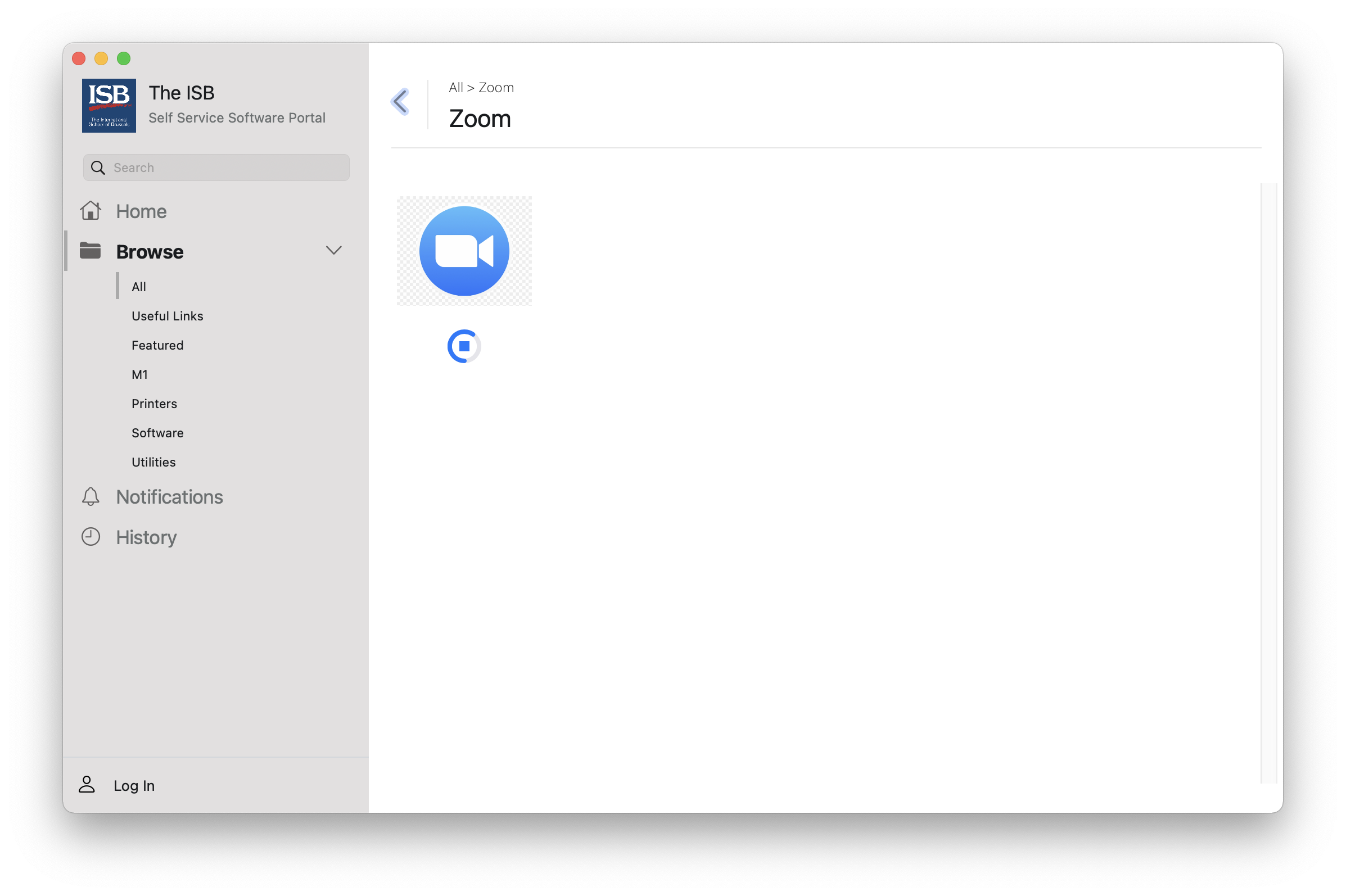
Installing Zoom for students
Installing Zoom on student laptop
1. To install the Zoom app on your laptop, click on this link.
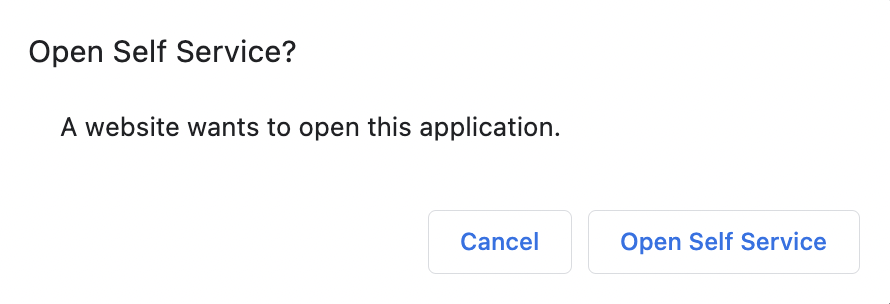
2. In the pop-up window, select Open Self Service.
3. TheWait Self Service will open and automatically installuntil the latest version of the Zoom app.app gets installed.