Skip to main content
Zoom Configuration
- Make sure the Zoom application is closed.
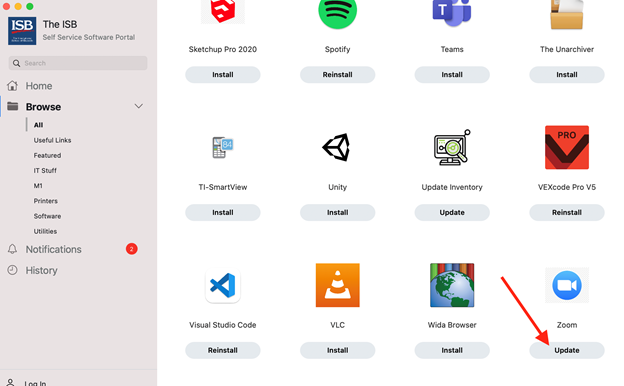
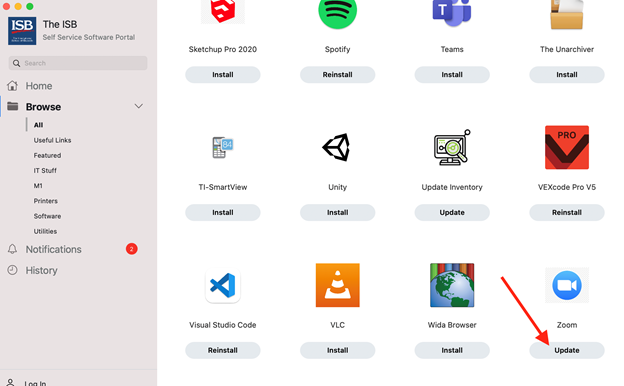
- Update or install Zoom via the Self-Service Portal (ISB Logo)
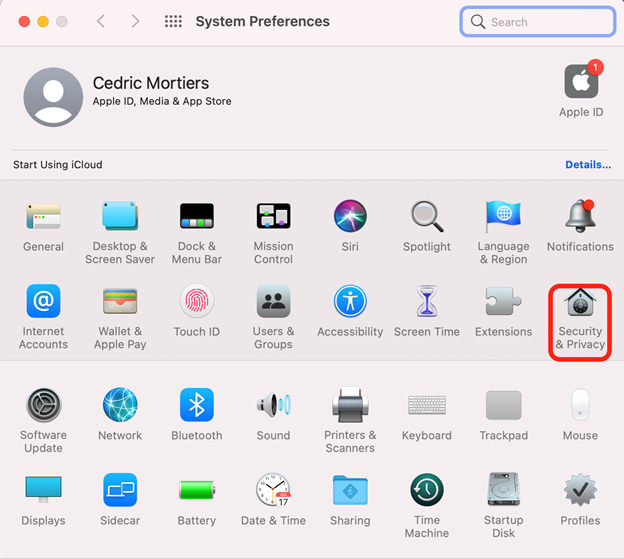
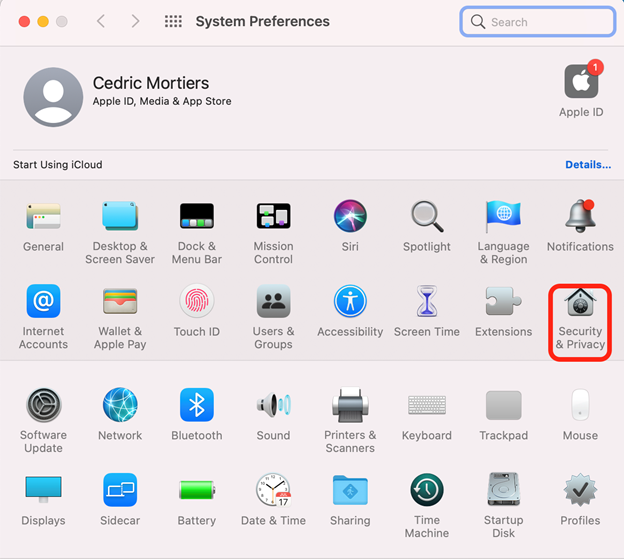
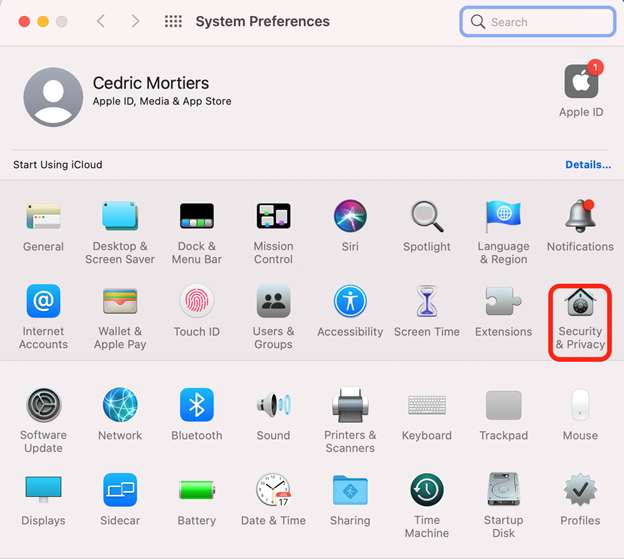
- Once installed, go to System Preferences and select Security & Privacy
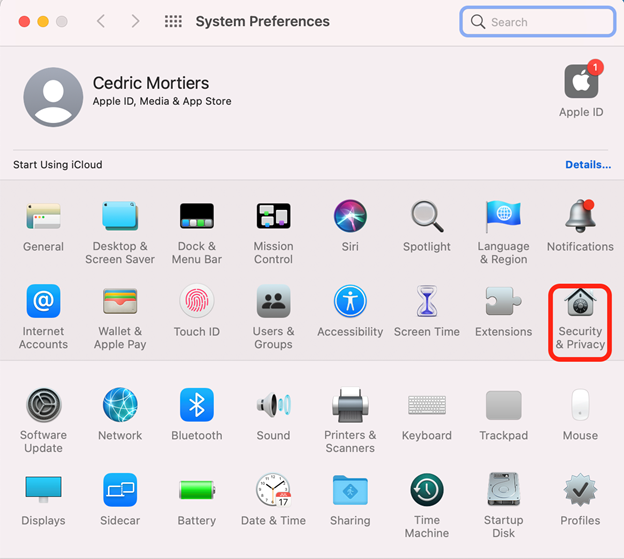
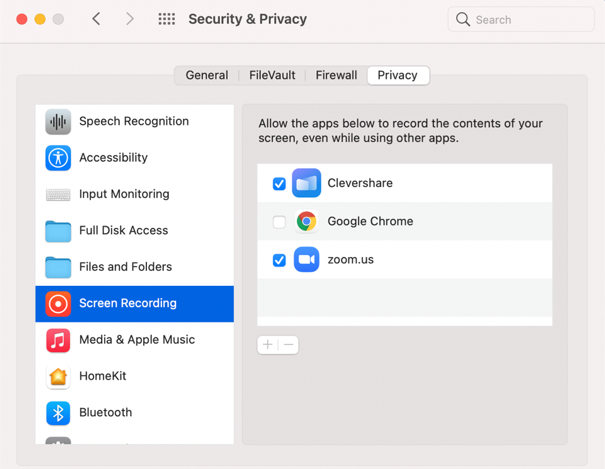
- Then click on Privacy, Microphone and make sure that zoom.us is ticked. (this needs to be done to be able to mute your microphone)
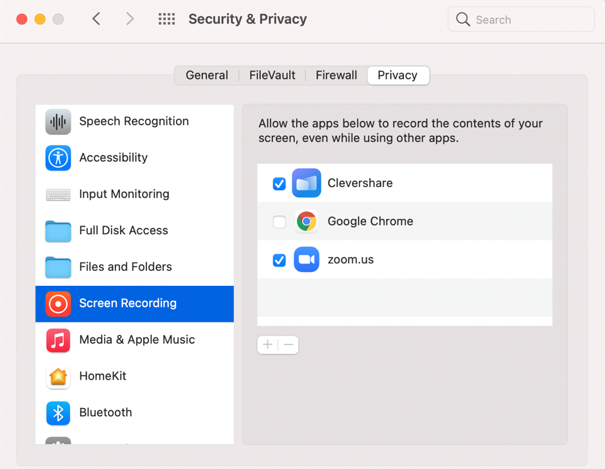
- Do the same thing for the Screen Recording setting. (This will allow you to share your screen)
- Finally, you can open Zoom and you should be ready for your Zoom meetings