Connect to ISB
Connect to the Network on macOS 15.1../26
-
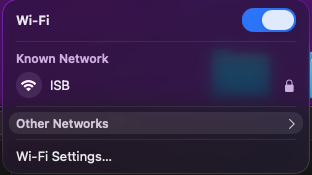
Click the Wi-Fi icon in the top-right corner of the screen.

-
Click the network named "ISB"
-
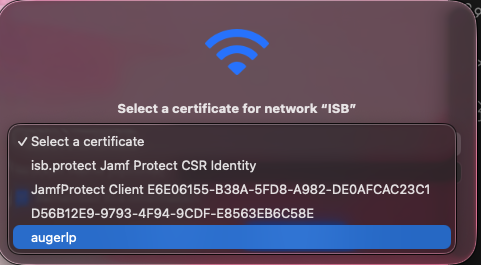
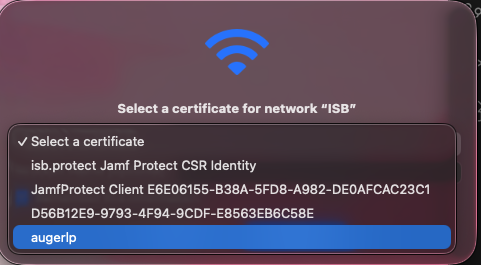
When the connection window appears:
-
Click on "Select a Certificate"
-
Select the one that resembles your username
-
-
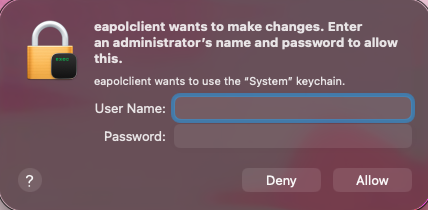
Click Deny
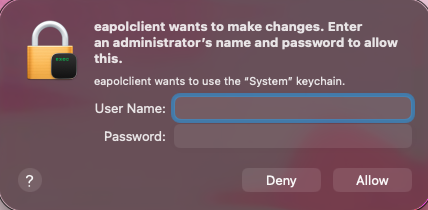
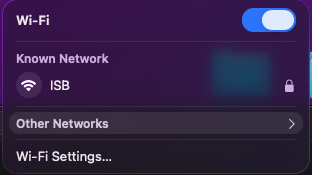
Wait a few seconds until Wi-Fi shows Connected.